
Getting Started: Building Your AI Toolkit
Part 12 of 12 — Intro to AI for non-technical backgrounds
This is the last lesson, but in practical terms it is the most important one. Everything you have learned in this course only creates value if you actually use it. This lesson is about moving from understanding to habit: choosing your tools, building your first workflows, and developing the kind of ongoing practice that compounds over time.
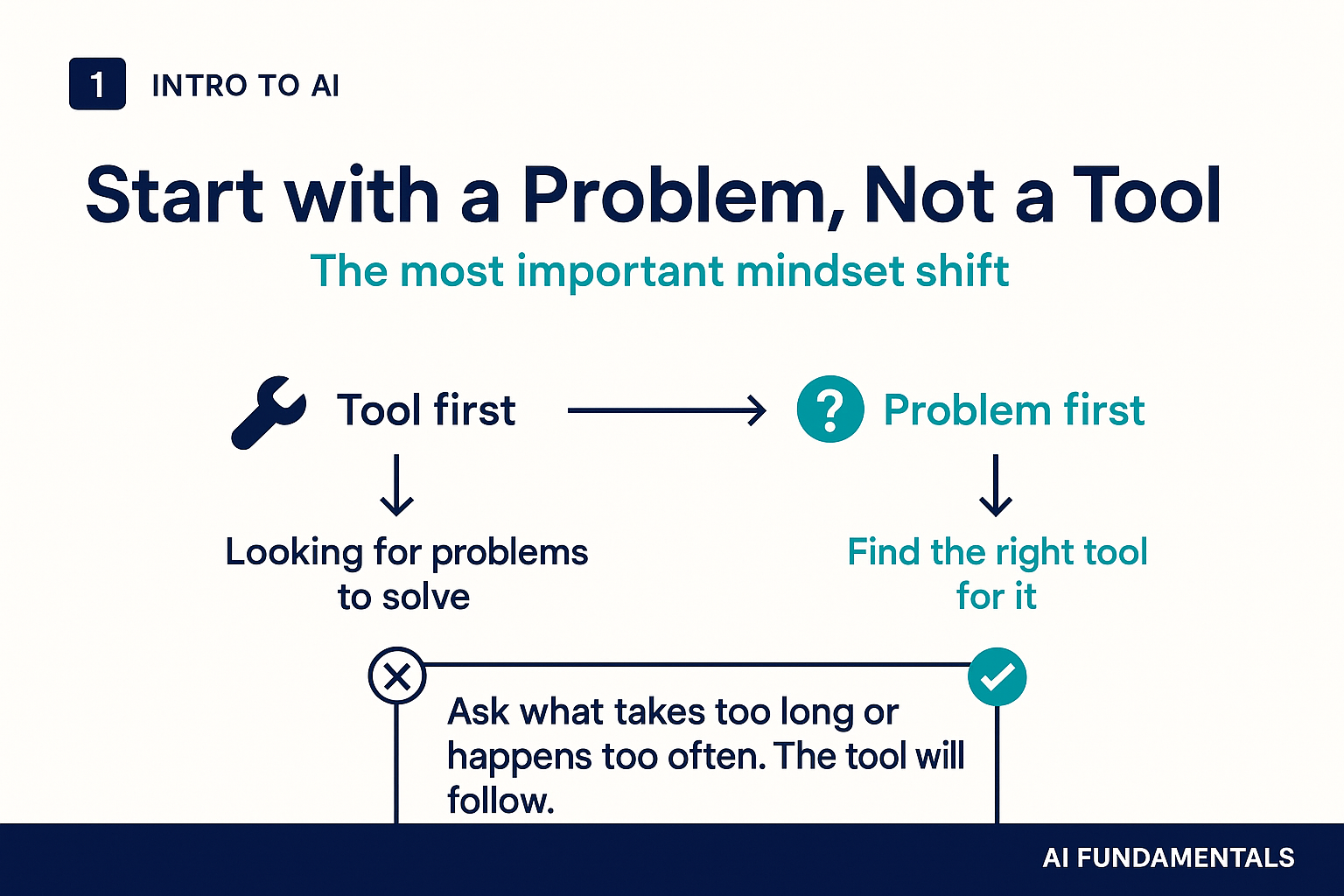
Start with a problem, not a tool
The most common reason people try AI tools and abandon them is that they started with the tool. They downloaded something, played with it for an hour, felt slightly disappointed, and moved on. The more reliable path starts not with "what does this tool do?" but with "what is the most painful or time-consuming part of my week?"
Identify that task first. Then find an AI tool that addresses it specifically. The difference in motivation is enormous: you are solving a real problem you already feel, not searching for a problem to fit a tool you happened to try.
Choosing your first tools
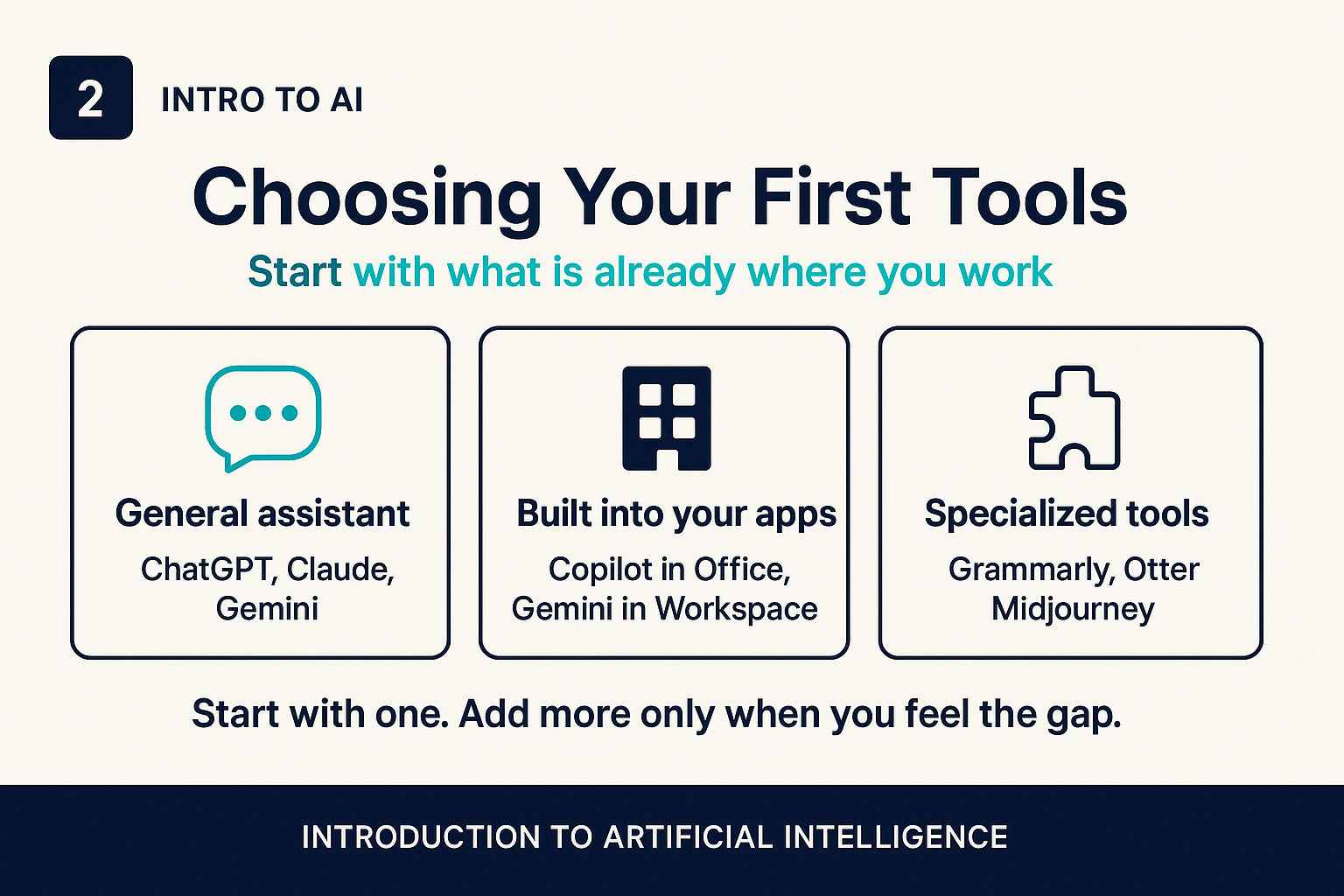
The landscape of AI tools is large and changes quickly. A useful way to think about it is by category:
- General-purpose assistants: ChatGPT, Claude, and Gemini are the most capable and flexible starting points. They handle writing, research, analysis, coding, and a wide range of other tasks through a conversational interface. If you only use one AI tool, start here.
- Tools built into software you already use: Microsoft 365 Copilot works inside Word, Excel, Outlook, and Teams. Google Workspace's AI features work inside Docs, Sheets, and Gmail. These have the advantage of being in the context where your actual work already lives.
- Specialized tools: Otter and similar apps transcribe meetings. Grammarly and its competitors improve writing. Midjourney and similar tools generate images. These are often more polished for specific use cases but narrower in scope.
For most people, starting with a general-purpose assistant and one tool already embedded in their workflow covers 80% of the immediate opportunity. Add specialized tools when you feel a specific gap that they address.
The trial-and-error mindset
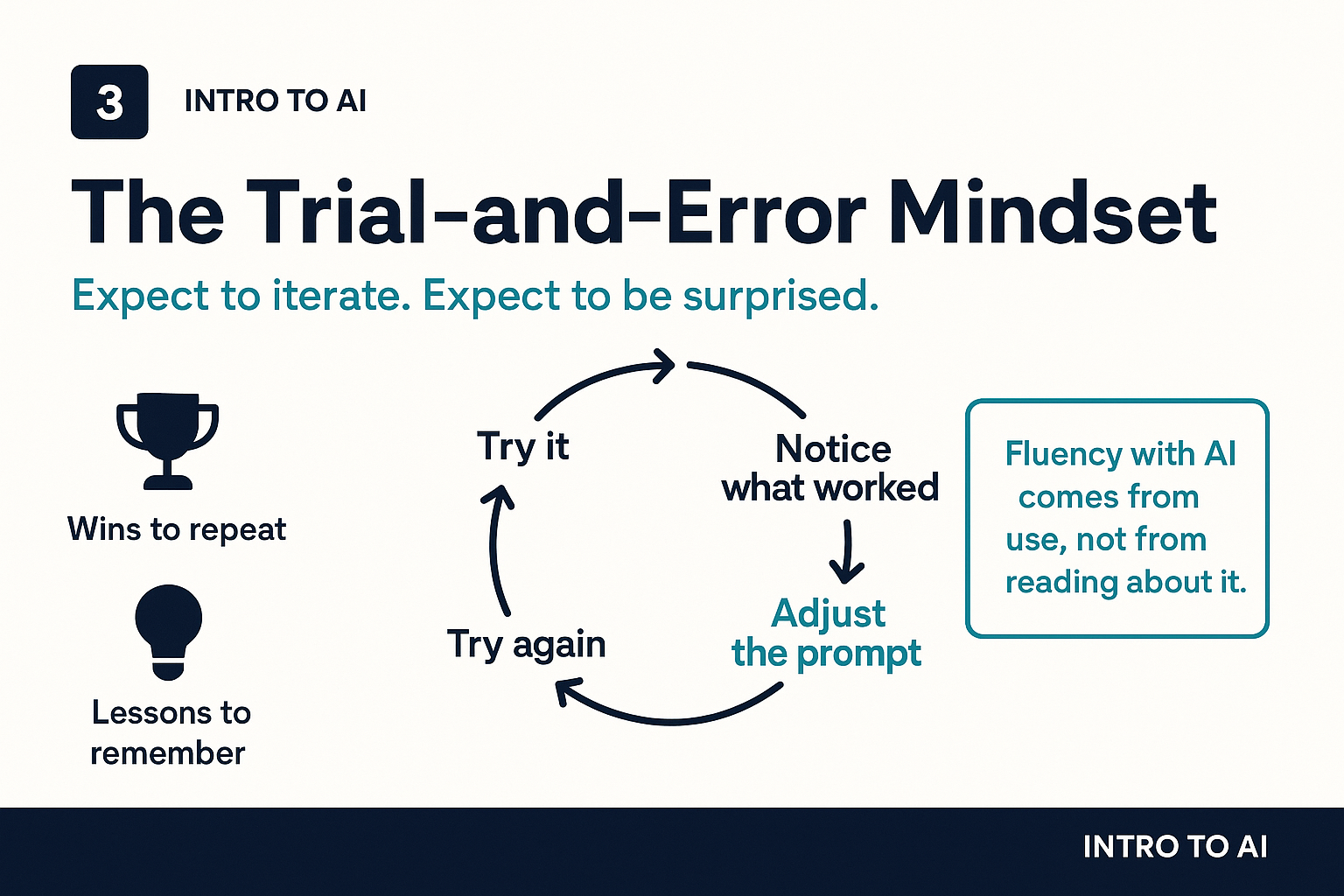
Fluency with AI does not come from reading about it. It comes from using it, noticing what works, adjusting, and using it again. The people who get the most value from these tools are almost uniformly the ones who have spent time actually working with them, not the ones who have read the most articles about them.
Expect your first prompts to produce mediocre results. That is normal. The point is to notice what was mediocre and refine from there. Was the output too long? Too generic? Missing the right tone? Each refinement builds your intuition for what works, and that intuition accumulates across every interaction you have.
Think of your first month with AI tools the way you would think of learning to drive. There is a period of conscious effort before things become natural. Push through that period and the skill compounds quickly.
Building a prompt library
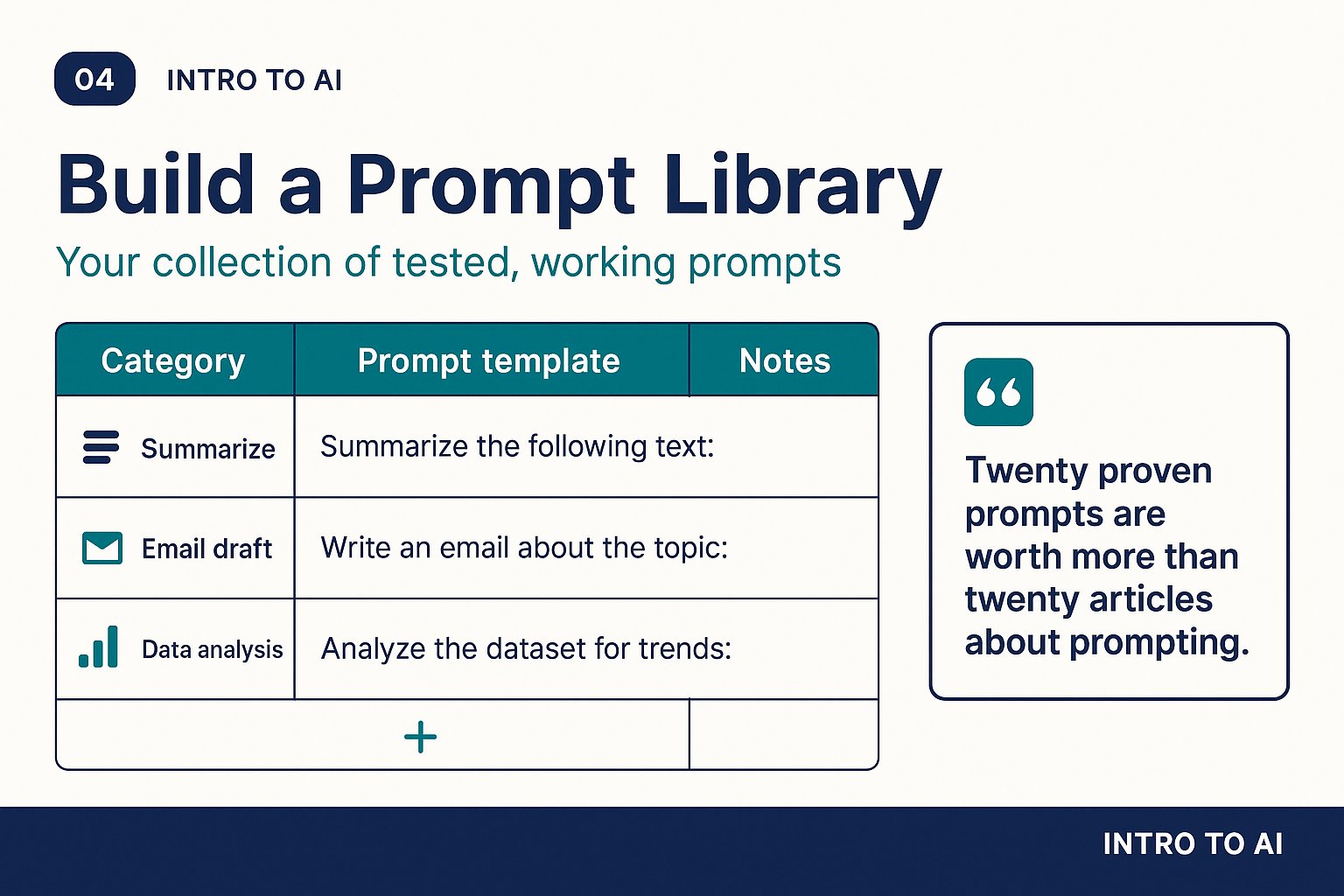
One of the highest-leverage things you can do in your first few weeks is build a prompt library. Whenever you write a prompt that produces a genuinely useful result, save it in a document or note, along with the task it solves and any notes about what variations work well.
Over time, a library of twenty to thirty well-tested prompts becomes a genuine productivity asset. Instead of starting from scratch for each recurring task, you pull a proven template and adapt it. The accumulated knowledge of what works is far more valuable than any individual interaction.
A simple format: keep a table with three columns. Column one: the task (e.g., "summarize a meeting recording"). Column two: the prompt template, with placeholders in brackets. Column three: notes on what to watch for or how to refine the output. Review and update it monthly.
Staying current without burning out
The AI landscape moves fast. New tools, new models, and new capabilities appear regularly, and it is easy to feel like you are perpetually behind. A few principles help here:
- Focus on fundamentals, not features. The underlying concepts in this course, how models learn, what they are good at, where they fail, how to prompt well, do not change with each new product release. Features change. The mental model stays useful.
- Follow one or two trusted sources. You do not need to read every newsletter and watch every video. Find one or two people whose judgment you trust and whose takes are signal-dense rather than hype-heavy.
- Learn by doing, not by reading. Time spent actually using tools teaches you more than time spent reading about them. Prioritize accordingly.
A 30-day starter plan
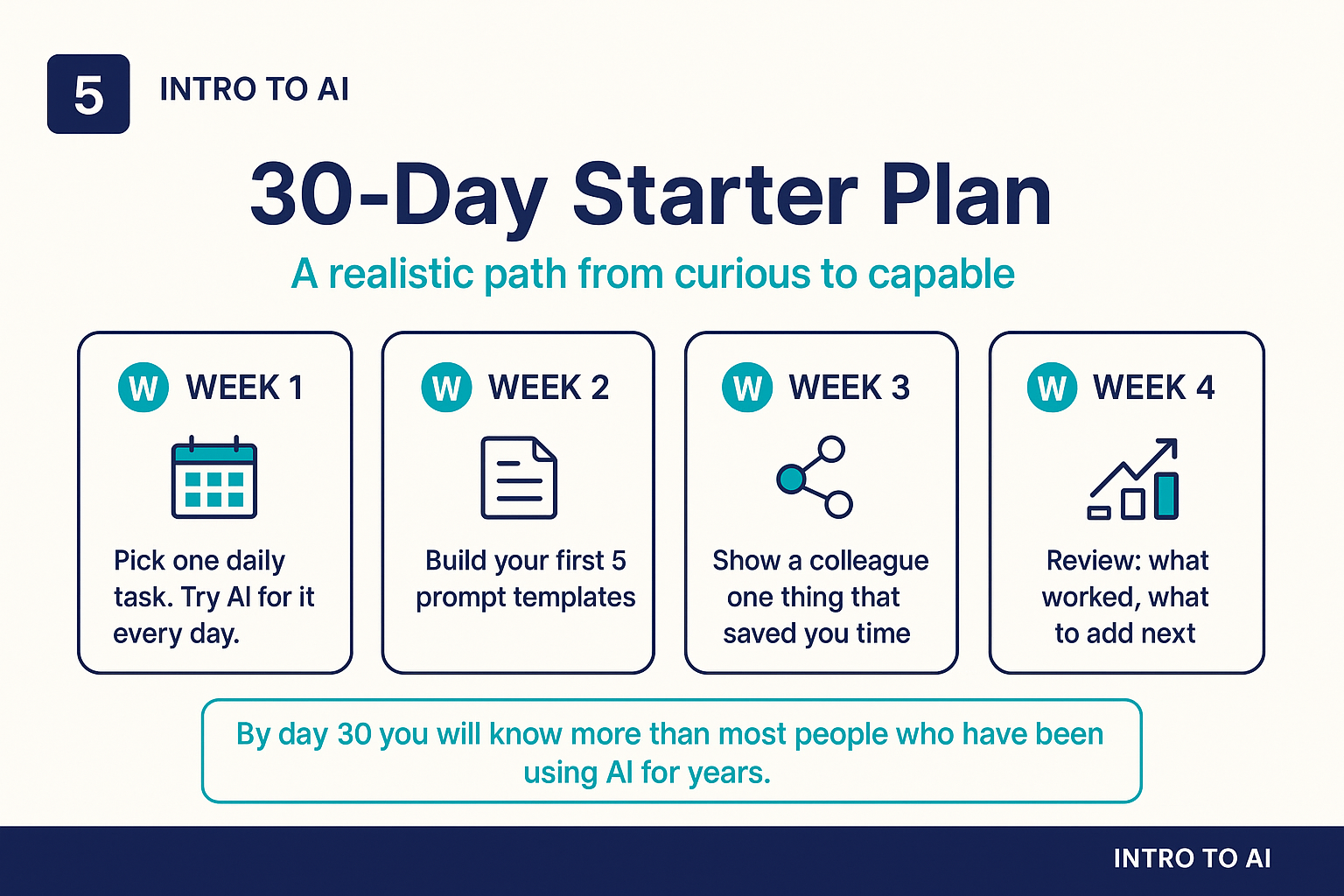
Here is a concrete starting point that most people can follow regardless of their role or technical background:
- Week one: pick one recurring task in your work and try AI for it every day. Notice what works and what does not.
- Week two: write down the five prompts that have worked best so far and refine them into reusable templates. These are the seed of your prompt library.
- Week three: share one thing that has saved you time with a colleague. Teaching forces clarity, and sharing creates accountability.
- Week four: review your experience honestly. What worked better than expected? What did not help at all? What would you add next? Use that review to plan the following month.
By the end of thirty days you will not be an AI expert. But you will have more practical knowledge than most people who have been nominally "using AI" for years. And you will have the foundation to keep building from there.
What comes next
This course has given you a foundation: what AI is and is not, how it learns, what the major architectures are, how to use it in your work, how to read its failures, how to use it responsibly, and how to get started. That foundation is durable. The tools will change. The underlying ideas will not.
The most important thing you can do now is start. Pick one task. Try it today. The knowledge in this course only becomes useful when it meets the actual texture of your work. Go find out what that looks like.