
AI Agents: When Software Takes Action

Part 7 of 12 — Intro to AI for non-technical backgrounds
A chatbot answers your questions. An AI agent does things. This distinction, simple as it sounds, marks one of the most significant shifts in what AI can be used for. Understanding how agents work, what they can do, and where they require careful oversight is increasingly important for anyone working in or around knowledge-intensive fields.
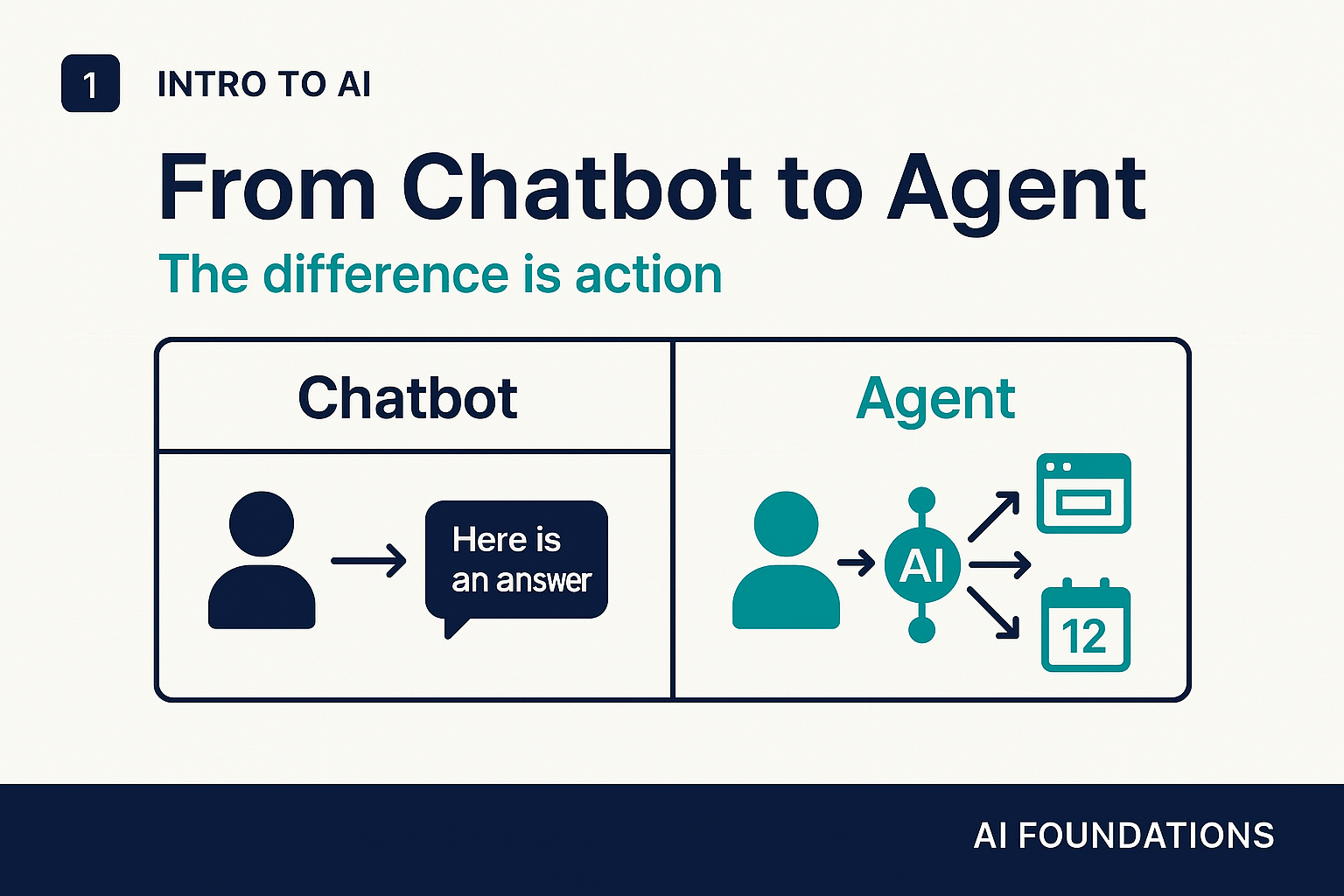
From chatbot to agent: what changes
A standard language model interaction is a conversation: you type, it responds, nothing else happens. An agent extends this by giving the model the ability to take actions in the world. It can search the web, read and write files, run code, call external services, fill out forms, send messages. Instead of answering "how would I book a flight?" an agent can actually book the flight.
This shift from text output to real-world action is what makes agents both significantly more useful and significantly more consequential. A chatbot that gets something wrong gives you a bad answer. An agent that gets something wrong might send the wrong email, delete the wrong file, or submit the wrong form.
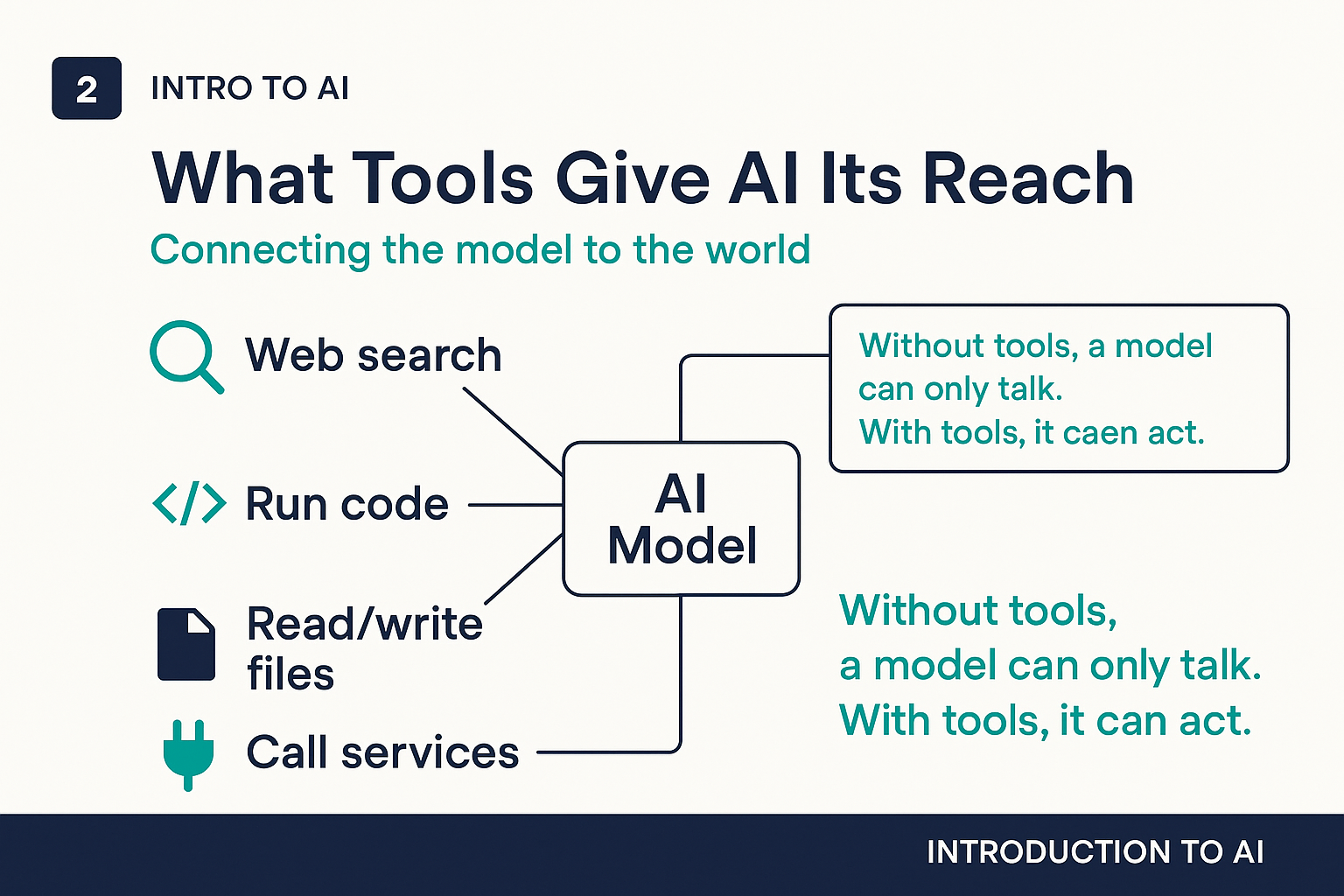
What tools give AI its reach
Agents extend a language model's capabilities through tools: connections to external systems that the model can call like a person using an application. Common tools include:
- Web search: retrieve current information the model was not trained on, check facts, find sources
- Code execution: write and run programs, analyze data, generate charts, automate calculations
- File access: read documents, write drafts, organize information across a file system
- API calls: interact with external services like calendars, CRMs, databases, or communication platforms
The model decides which tools to use and when, based on the task at hand. A well-designed agent researching a market might search the web for recent news, pull financial data from an API, analyze it with code, and write a summary into a document, all as part of responding to a single request.
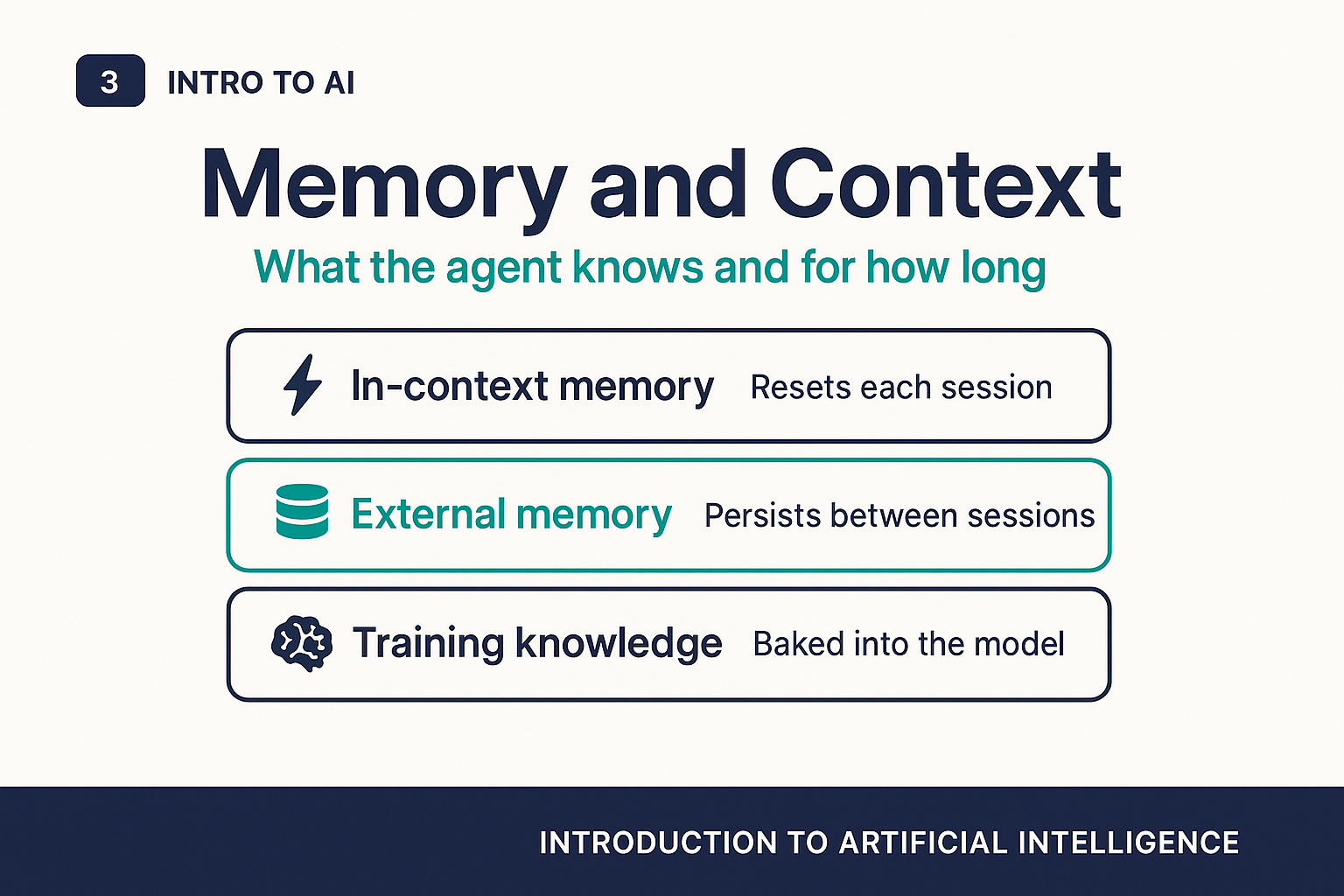
Memory and context
One of the practical challenges with AI agents is memory. A standard language model has no persistent memory. It knows only what is in its current context window, which means it forgets everything between sessions. Agents address this in several ways:
- In-context memory: the conversation history within the current session. This is temporary and resets when you start a new conversation.
- External memory: the agent can read from and write to files, databases, or note systems, creating a form of persistent memory that survives across sessions.
- Training knowledge: facts and patterns learned during the model's training, which are baked in permanently but may be outdated.
Understanding which kind of memory an agent is drawing on matters for knowing how to trust and verify its outputs. An agent citing something from a document it just read is more verifiable than one citing something from its training data.
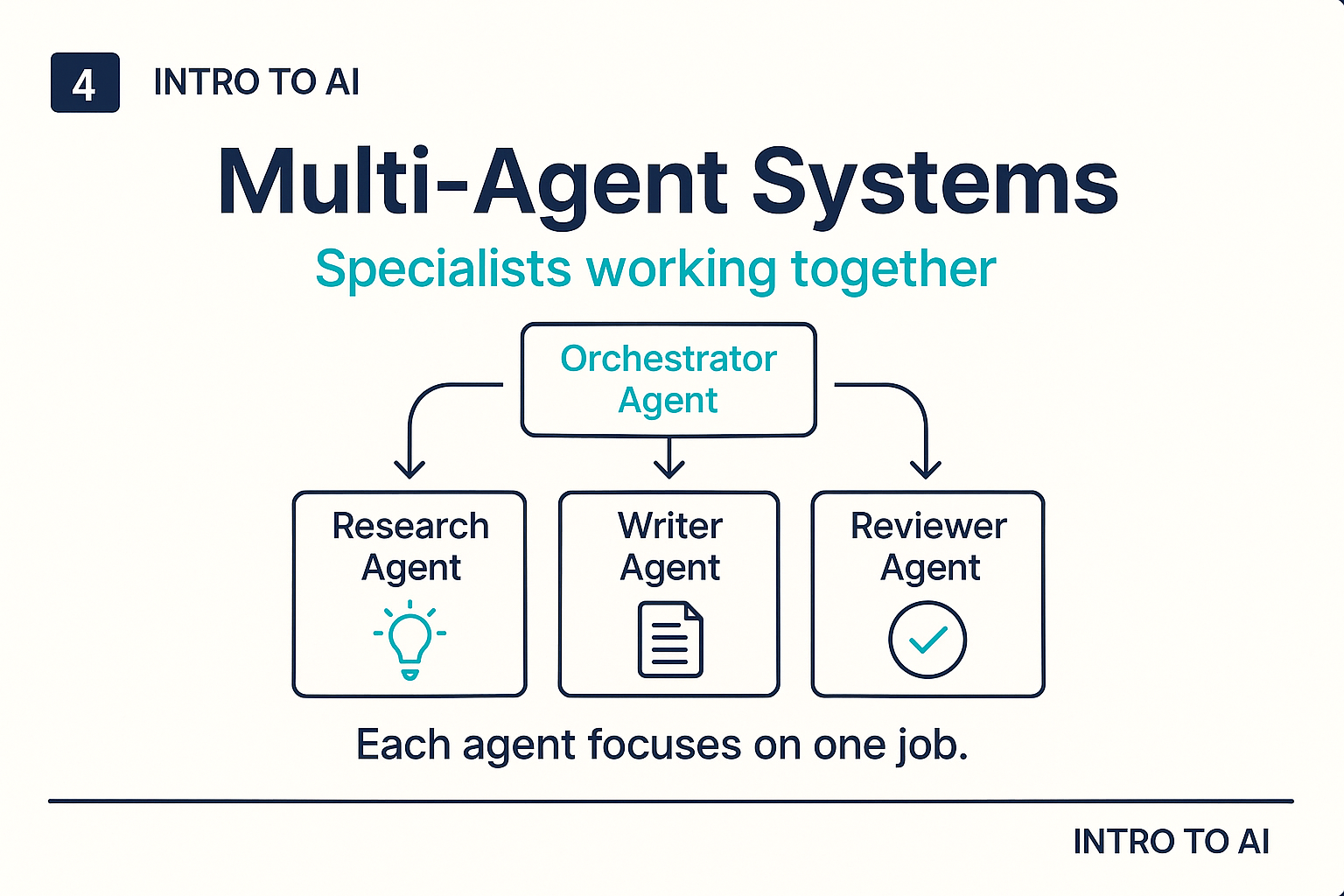
Multi-agent systems
For complex tasks, a single agent is often not enough. Multi-agent systems use multiple AI agents working together, each specialized for a part of the job. A typical structure has an orchestrator agent that understands the overall goal and coordinates, and several specialist agents that each handle one type of task: one for research, one for drafting, one for fact-checking, one for formatting.
This architecture mirrors how human teams work: a project manager plus specialists. It allows complex workflows to be automated end to end, with each component staying within a more tractable, narrowly defined role. You will increasingly encounter these systems as they are deployed in customer service, legal research, software development, and business operations.
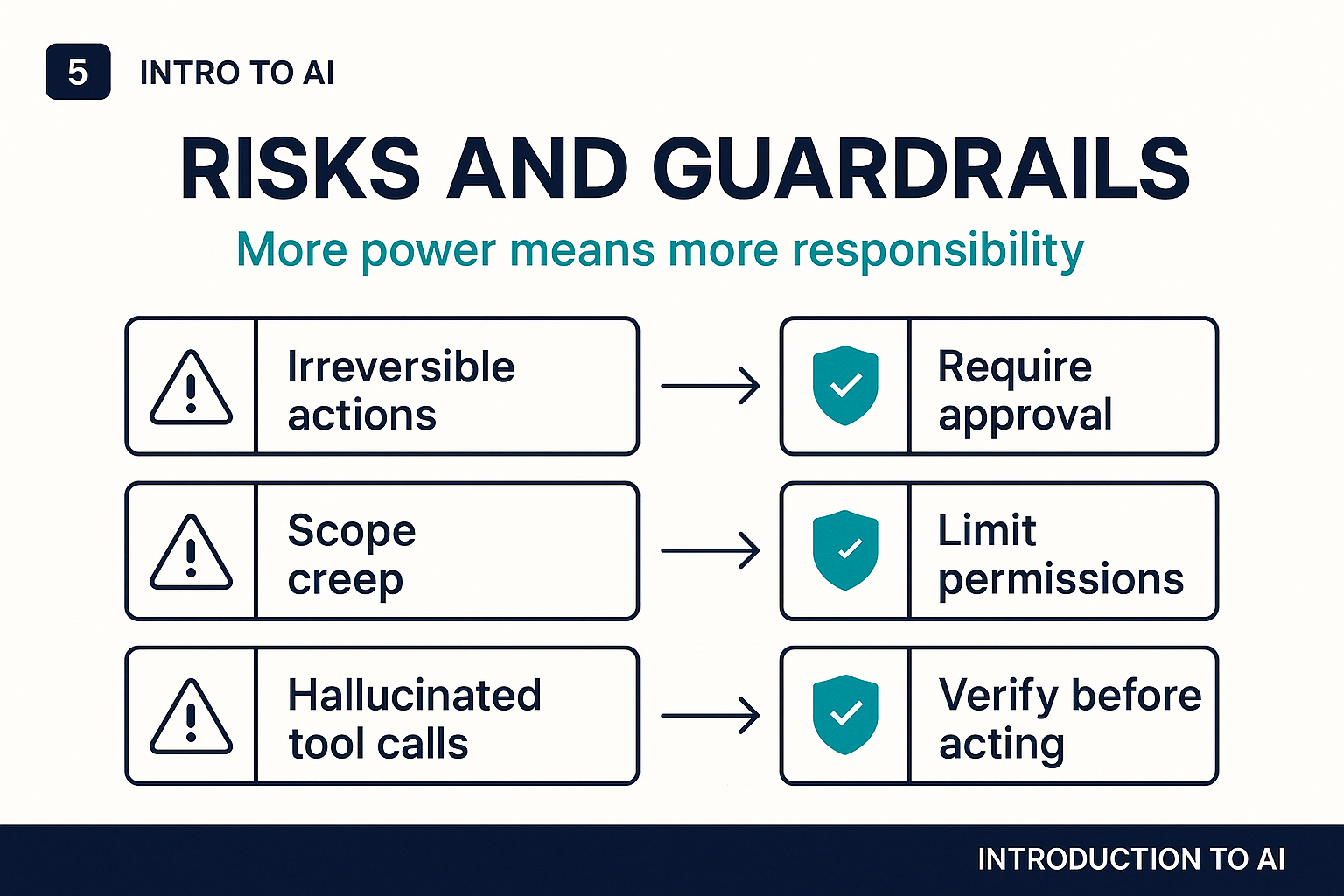
Risks and guardrails
The same qualities that make agents powerful also make them risky when something goes wrong. Several principles help keep agents safe:
- Require approval for irreversible actions. Sending an email, deleting a file, or submitting a form cannot be undone. Design agent workflows to pause and ask for human confirmation before taking actions that cannot be reversed.
- Limit permissions to what is needed. An agent that summarizes documents does not need write access to your production database. Give agents the minimum permissions necessary for their task.
- Maintain an audit trail. Know what actions an agent took, in what order, and why. This is essential for debugging and for accountability.
- Monitor for hallucinated tool calls. Agents can sometimes attempt to call tools in ways they were not designed for, or cite tool results that do not exist. Verification steps help catch this.
The right question to ask about any AI agent is not just "can it do this?" but "what happens if it gets something wrong?"
Where agents shine today
AI agents are already being used effectively in software development (writing, testing, and deploying code with minimal human input), customer service (handling routine requests and escalating complex ones), research (gathering and synthesizing information from multiple sources), and business process automation (filling out forms, updating records, triggering workflows). These are all cases where the task is well-defined, the consequences of errors are manageable, and there is a human in the loop for oversight and correction.
As the technology matures, agents will take on more complex, higher-stakes tasks. Understanding the fundamentals now puts you in a far better position to evaluate those deployments thoughtfully, as a user, a manager, or someone who shapes how AI is adopted in your organization.