Where AI Helps in Everyday Work
Part 8 of 12 — Intro to AI for non-technical backgrounds
The most common question people have after learning what AI is, is a simple one: where does it actually help me, in the work I do, on an ordinary Tuesday? The answer depends on your role and your tasks, but a handful of patterns show up in almost every kind of knowledge work. This lesson maps them.
Writing and communication
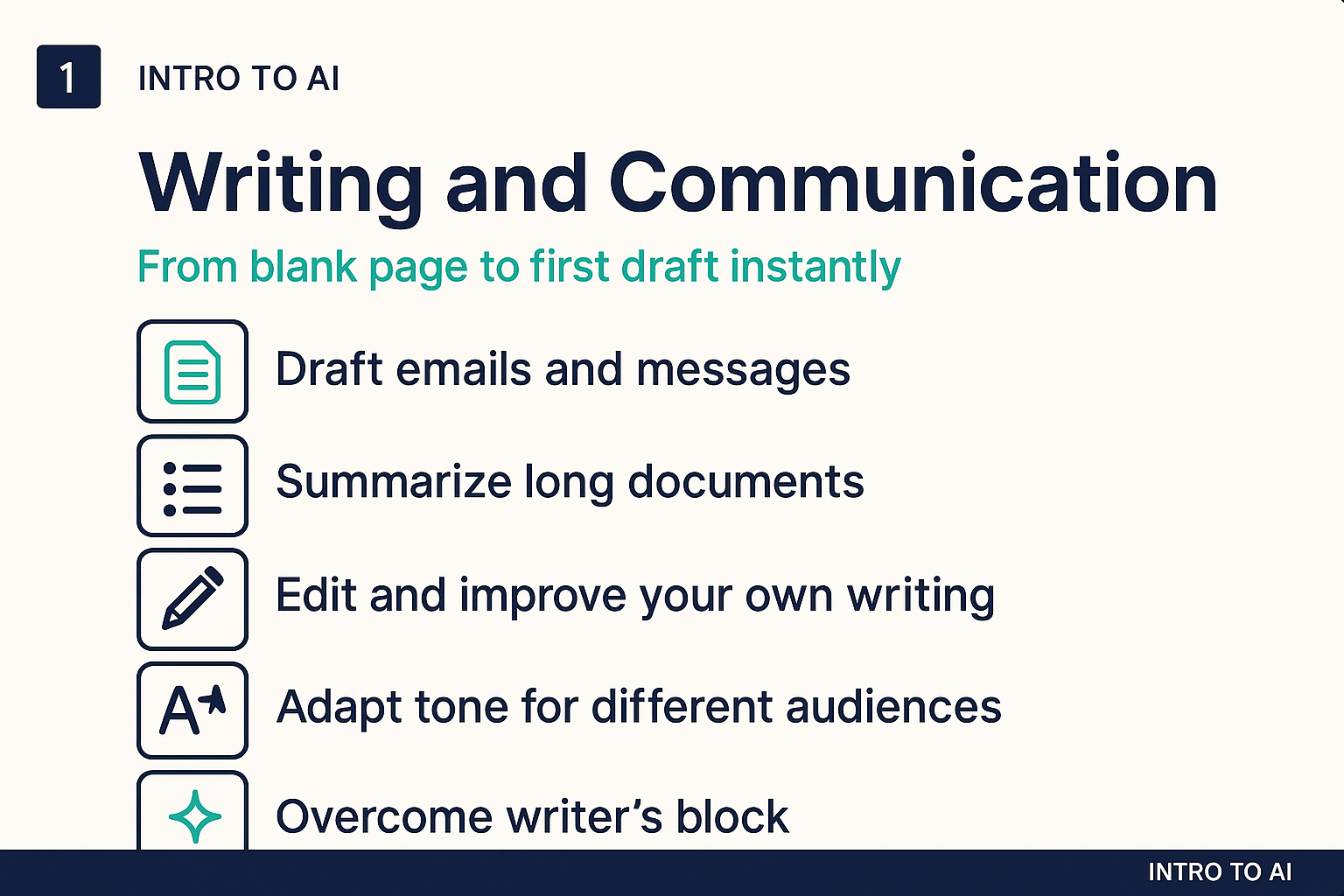
This is where most people first find genuine value. AI is remarkably good at helping with the writing tasks that are slow, repetitive, or intimidating to start:
- First drafts: starting from a blank page is the hardest part of most writing. AI can give you a workable draft in seconds that you can then edit, which is almost always faster than writing from scratch.
- Summarizing long documents: turning a 40-page report into a five-point executive summary, or pulling the key decisions out of a long email thread.
- Adapting tone: rewriting the same message for different audiences, making a technical explanation accessible, or making a casual draft more formal for a client.
- Editing and proofreading: catching not just typos but awkward phrasing, passive voice, or structural issues that a human reader would notice.
The important caveat: AI writing requires review. It will produce fluent, confident text that may nonetheless get facts wrong, misrepresent your position, or miss the nuance that matters most. Use it as a fast first drafter, not as a final authority.
Research and synthesis
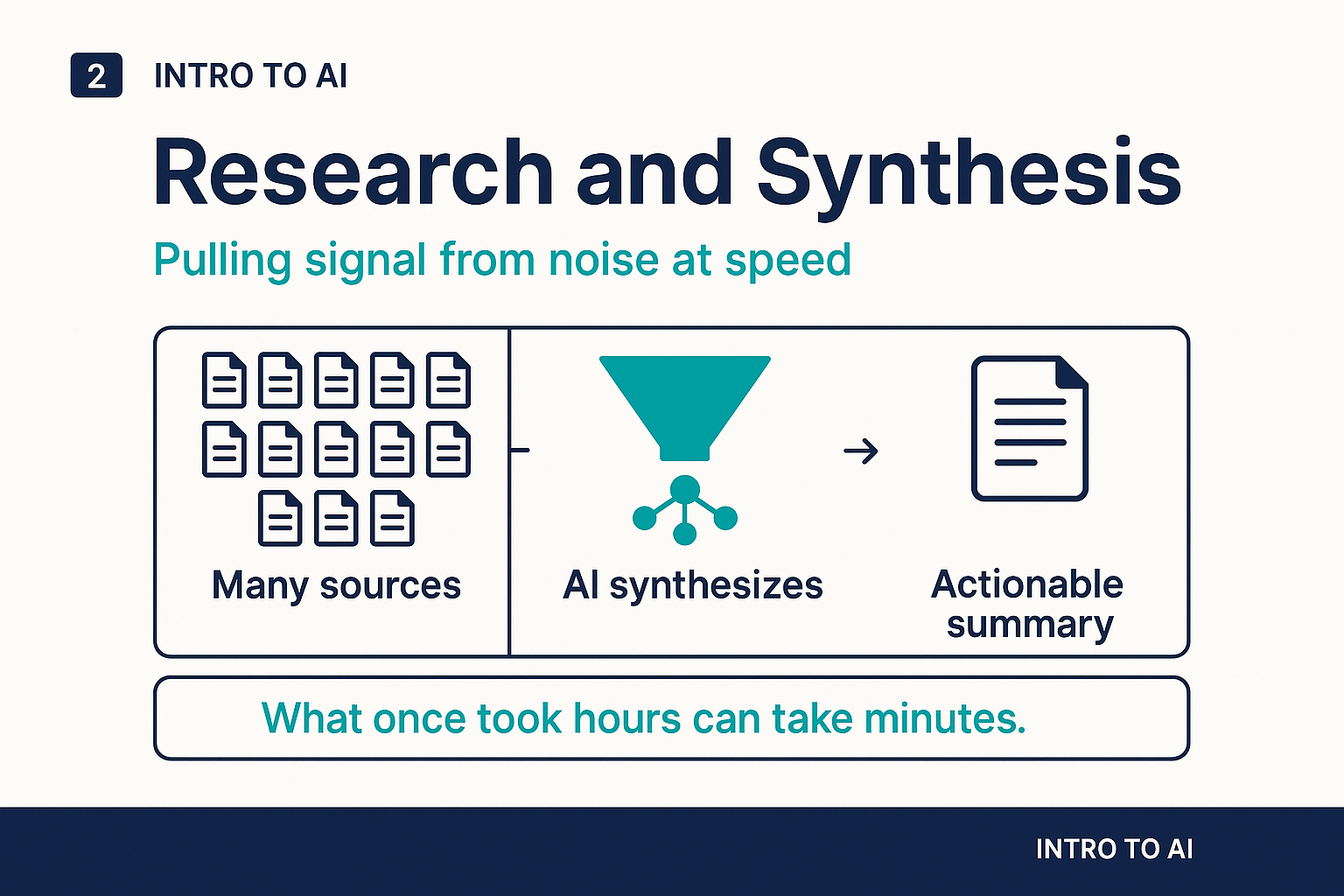
AI is useful as a first-pass research tool: summarizing what is known about a topic, identifying key concepts or terminology, and helping you orient yourself before going deeper. It is less useful as a primary source, because its training data has a cutoff date and it can fabricate specific claims, statistics, or citations with uncomfortable confidence.
The most effective pattern is using AI for synthesis while verifying specific facts through primary sources. Ask AI to help you understand the landscape of a topic, identify the right questions to ask, or pull together information from a set of documents you provide. Then check any specific claims that matter before relying on them.
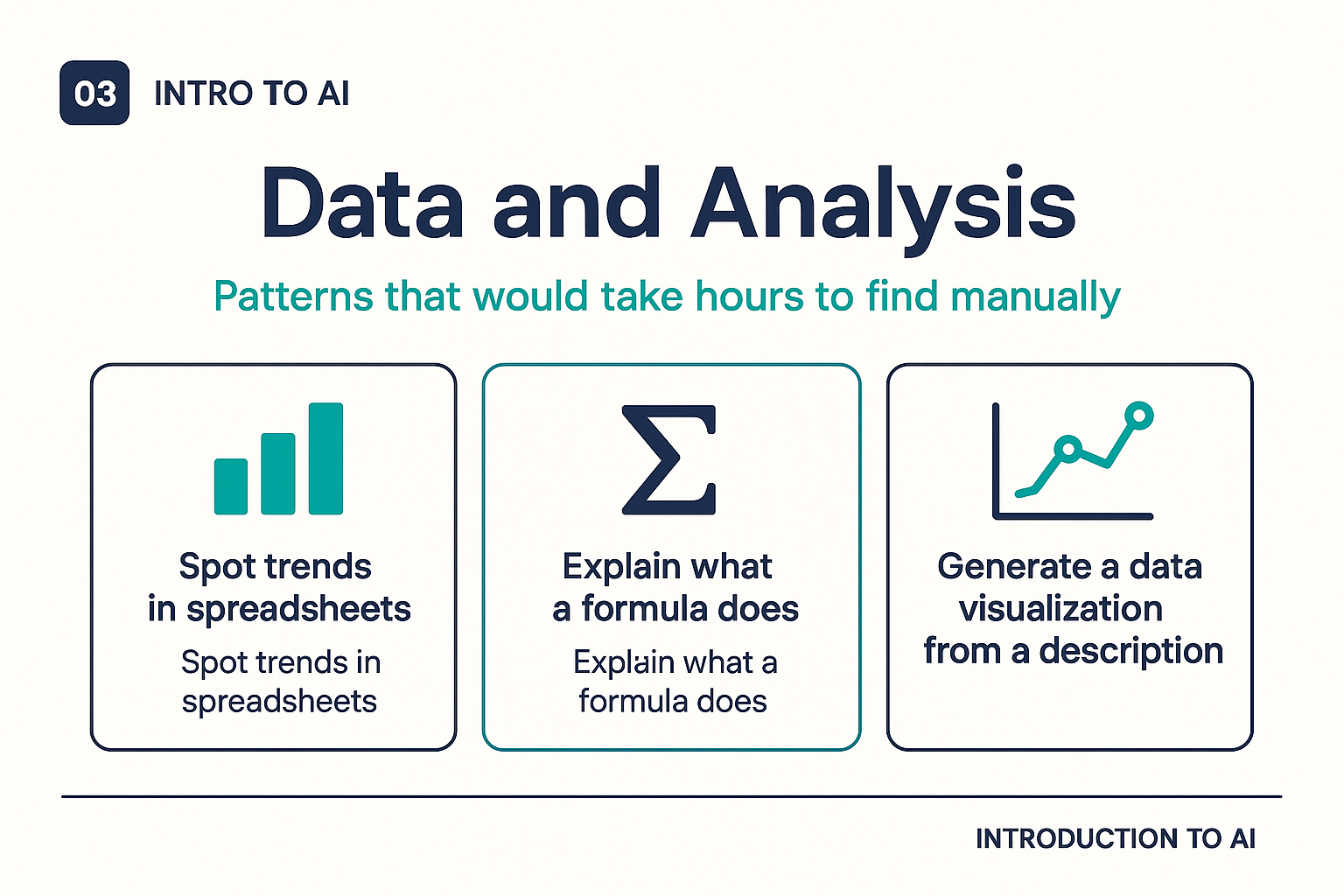
Data and analysis
If your work involves data, AI can help in several specific ways:
- Explaining what a formula, function, or piece of code does in plain English
- Helping you write formulas, queries, or scripts when you know what you want but not the exact syntax
- Generating descriptions of what a chart or table shows
- Identifying patterns or outliers in a dataset when you describe it or paste it in
- Suggesting visualizations or analytical approaches for a given question
For serious statistical analysis or data-driven decisions, always have a human with the relevant expertise review the approach and the conclusions. AI is a capable assistant for data work; it is not a substitute for statistical judgment.
Scheduling, admin, and routine tasks
The administrative work that fills a surprising percentage of most people's days is increasingly automatable or AI-assistable. AI tools integrated with calendars can suggest meeting times, draft agenda items, and send follow-up reminders. Transcription tools can convert meeting recordings to text summaries with action items. Email drafting tools can handle routine responses based on templates and context.
These are not transformative individually, but they compound. If AI handles even 30 minutes of administrative tasks each day, that is two and a half hours per week, across an entire team that becomes a significant reclamation of time for higher-value work.
Learning and upskilling
AI makes a surprisingly effective tutor. You can ask it to explain concepts at your level, ask follow-up questions, request analogies, or have it quiz you on material you are trying to learn. Unlike a search engine, which returns links, AI can engage in a back-and-forth dialogue that adapts to what you understand and what you do not yet.
This is particularly valuable for picking up adjacent skills: learning enough SQL to work with data your team generates, understanding enough about a regulatory area to ask better questions of the legal team, or getting oriented in a technical domain before a meeting with specialists.
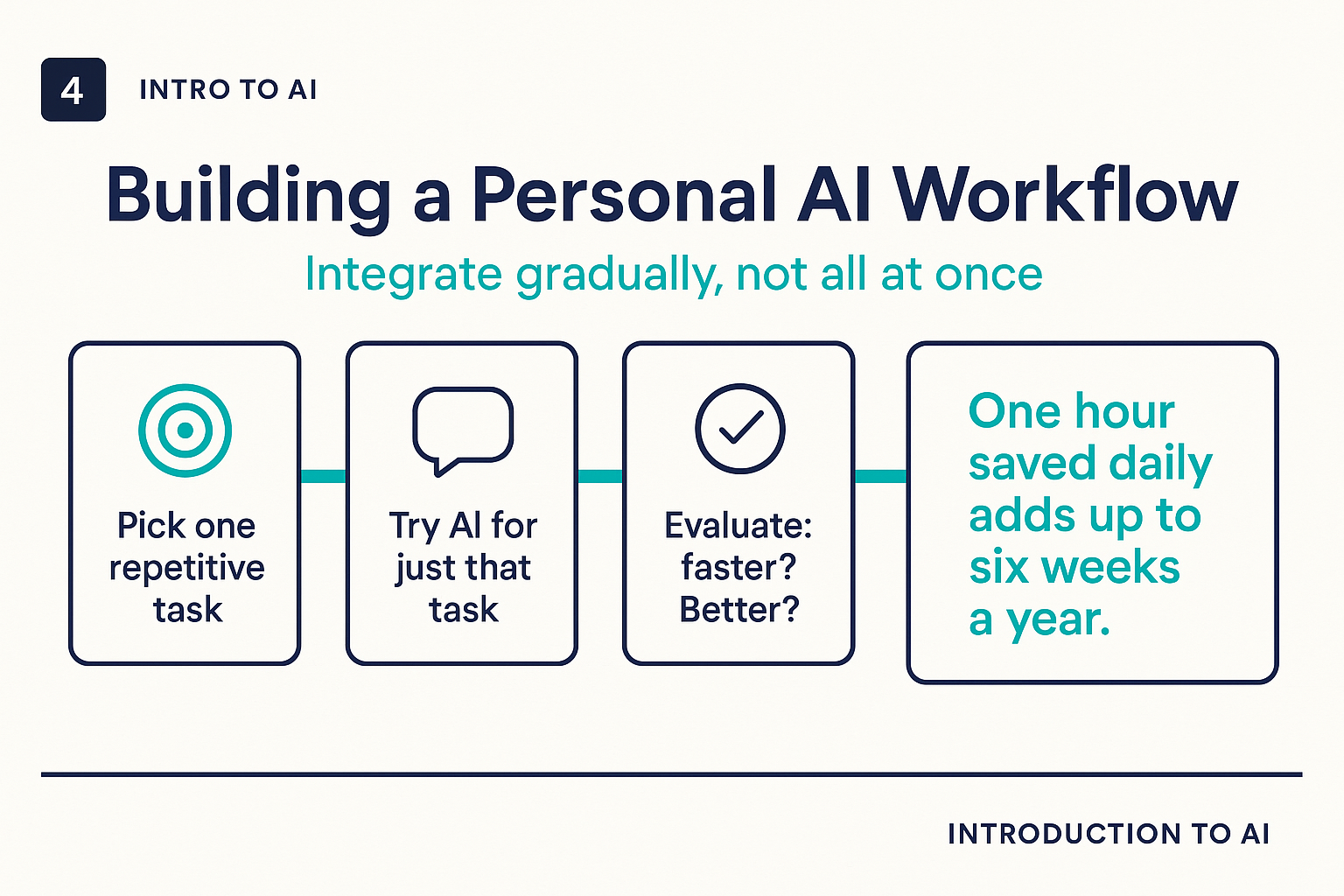
Building a personal AI workflow
The most effective way to integrate AI into your work is gradually and deliberately. Start by identifying the two or three tasks in your week that are most time-consuming, most repetitive, or where you consistently feel stuck. Try using AI for just those tasks for two weeks. Notice what works, what requires heavy editing, and what does not save time at all. Then expand from there.
Avoid the trap of trying to automate everything at once. The people who get the most value from AI tools are usually those who have spent time developing a small set of reliable workflows, not those who have tried every tool and used none of them consistently.
What AI still cannot replace
It is worth naming clearly the things that AI is not well-suited to replace, even now:
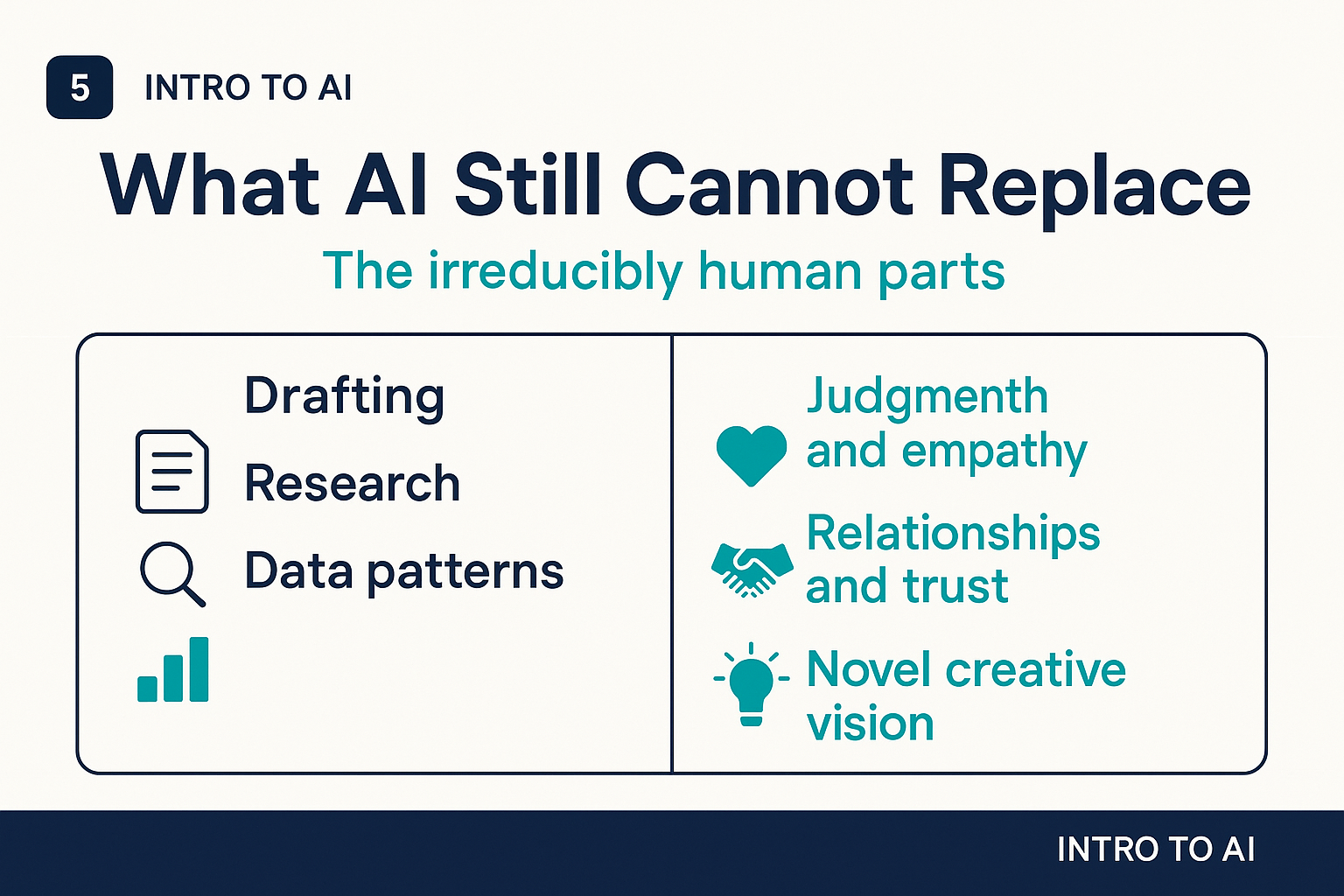
- Relationship and trust: the human dimension of a client relationship, a difficult conversation with a colleague, or a moment of genuine empathy in a challenging situation
- Original creative vision: AI can generate abundantly, but the taste, judgment, and distinctive point of view that make great creative work valuable still come from people
- Novel judgment: situations that genuinely have not occurred before, where there is no pattern to match, still require human reasoning
- Accountability: decisions with significant consequences for people require a human who is responsible for them, not a system that cannot be held accountable
The clearest frame: AI handles the parts of knowledge work that are most like pattern-matching at scale. The parts that are most distinctively human, judgment, empathy, creative vision, accountability, remain where they have always been.